 Sunstone Apps
How to model board completion events for game feedback in React Native
9 min readWritten by: Jonathan Reis on
A completed row and a completed set of nine identical digits can deserve the same feedback without being the same game event. Treating them as one event produces the wrong visual behavior and makes the rules harder to test.
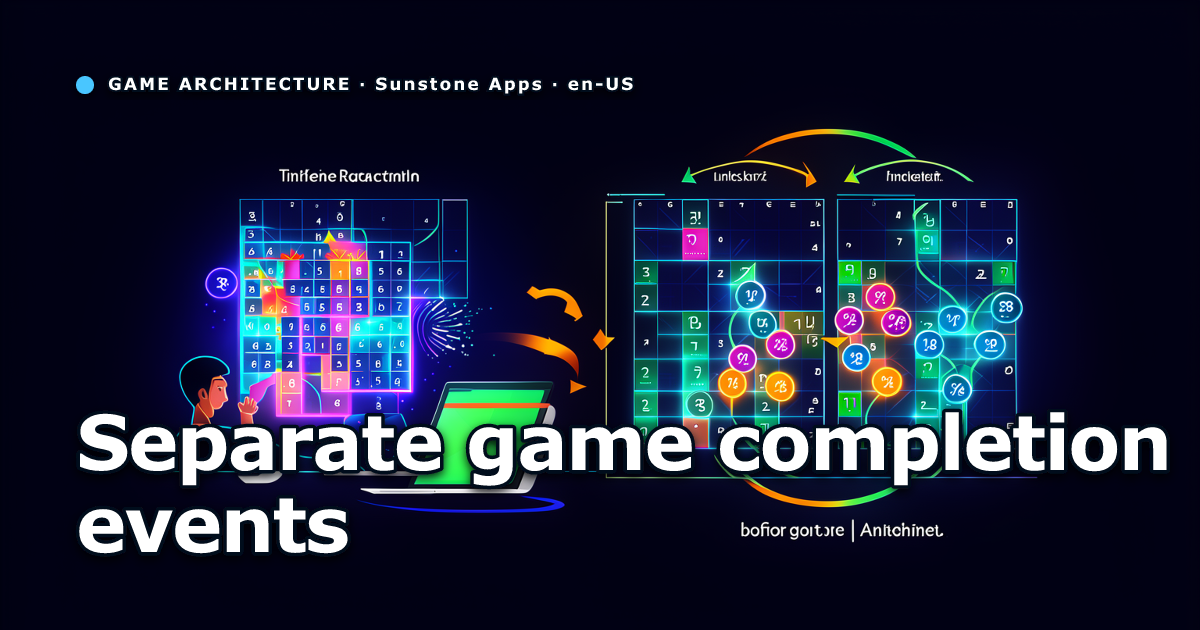
In a Sudoku game, a player can finish a row, a column, a 3x3 block, or all nine placements of a single digit. Those moments can all feel like progress. They are not the same state transition.
That distinction mattered in Daily Sudoku when the requested behavior was: play the stronger completion sound when the player places the ninth correct 1, 2, and so on. The game already played that sound when a row, column, or block was completed. Reusing the existing sound was correct. Reusing the existing unit completed event was not.
If we had treated the ninth 1 as a completed row or block, the renderer would have tried to animate a unit that did not change. The more useful design was to add a small semantic event, keep visual-unit events intact, and let audio and haptics map both events to the same feedback effect.
Start by naming the state transition
The first implementation question is not “which sound should play?” It is “what happened to the board?”
A unit-completion helper checks the row, column, and block touched by the placed cell. It compares the board before and after the move and returns only units that changed from unsolved to solved:
export function getNewlyCompletedUnits(input: {
  previousBoard: Board81;
  nextBoard: Board81;
  solution: Board81;
  placedIndex: CellIndex;
}): readonly CompletedUnit[] {
  // Inspect only the row, column, and block touched by the move.
}
That is a spatial rule. It answers which of three board regions was completed by this cell.
Finishing all copies of a digit is a different rule. It needs the placed value, confirmation that the placement matches the solution, and an exact count transition from fewer than nine to nine:
export function isDigitNewlyCompleted(input: {
  previousBoard: Board81;
  nextBoard: Board81;
  solution: Board81;
  placedIndex: CellIndex;
}): boolean {
  const value = input.nextBoard[input.placedIndex];
  if (value === 0 || value !== input.solution[input.placedIndex]) return false;

  return countDigit(input.previousBoard, value) < 9 && countDigit(input.nextBoard, value) === 9;
}
The correctness check is not cosmetic. A Sudoku UI may accept an incorrect number temporarily to show a mistake, depending on the product rules. Counting a ninth incorrect occurrence and celebrating it would turn feedback into misinformation.
The previous-board condition matters too. count(nextBoard) === 9 alone is not an event detector. It is a state query. It would return true again whenever the same already-completed board was inspected. Comparing snapshots makes the event edge-triggered: it happens once, at the transition.
Keep visual events separate from feedback events
The game already passed animation events through a queue. unitCompleted carries a placedIndex and the completed units because renderers need to know exactly which cells to animate.
type GameAnimationEvent =
  | {
      id: string;
      type: "unitCompleted";
      placedIndex: CellIndex;
      units: readonly CompletedUnit[];
    }
  | {
      id: string;
      type: "digitCompleted";
      digit: CellValue;
    };
digitCompleted deliberately has no cell list. It is a semantic feedback event, not an instruction for a row, column, or block animation. The animation-preset mapper ignores it, while the sound mapper consumes it.
This avoids a common shortcut: adding a flag such as isUnitCompleted to a cell-placement event and asking every downstream consumer to infer what it means. That shortcut works until one consumer needs a block animation, another needs a sound, and a third needs a haptic. A distinct event keeps those consumers honest about what they can render.
Map multiple events to one effect
Sound files are implementation choices. Gameplay events are product facts. The sound layer can map both facts to the same effect:
for (const event of events) {
  switch (event.type) {
    case "unitCompleted":
    case "digitCompleted":
      pushUnique(effects, "unitCompleted");
      break;
    case "correctCellPlaced":
      pushUnique(effects, "correct");
      break;
  }
}

if (effects.includes("unitCompleted")) {
  return effects.filter((effect) => effect !== "correct");
}
The last condition establishes feedback precedence. A move that supplies the ninth digit is still a correct placement, but the completion cue replaces the ordinary correct-move sound. Without that rule, players hear two effects for one action and the stronger event loses its meaning.
Daily Sudoku routes haptics through the same semantic event classification, while preserving a separate user setting for vibration. The move handler reports events; providers decide whether sound or vibration is enabled and which platform API can run. This keeps game rules independent from device capabilities and user preferences.
For Expo Audio, this also means the new behavior needs no second player or asset. The existing unit-completed source, volume, cooldown, and Web fallback remain the single implementation of that effect.
Emit the event from every move path
The subtle regression was not in the predicate. It was in the number of paths that can place a correct value.
Daily Sudoku has three relevant paths:
- a normal player placement;
- the opt-in auto-complete assistant, which applies a sequence of deterministic singles;
- a development auto-solve shortcut used for local verification.
Each path has a before-board, an after-board, the solution, and the placed index. Each emits digitCompleted immediately after applying a correct move. The event therefore follows the state transition rather than the screen interaction that happened to trigger it.
Do not hide this check only inside a button handler. It will then disappear for keyboard input, automation, hints, replay, or future assistants that mutate the board through another route. If the application has one reducer or command boundary for every move, that boundary is the better location. In this codebase, the move paths already construct animation events locally, so the shared predicate keeps the duplicated orchestration narrow and testable.
Test the transition, not the audio player
The useful domain test starts with a valid solution, removes one occurrence of a digit, restores it, and expects true. A second test changes the removed cell to a different digit and expects false.
expect(
  isDigitNewlyCompleted({
    previousBoard,
    nextBoard,
    solution,
    placedIndex,
  }),
).toBe(true);
The audio test should stay smaller. Feed a correctCellPlaced event and a digitCompleted event into the mapper, then assert that the result contains only unitCompleted. There is no need to create an audio player to prove the precedence rule.
We ran the focused Vitest files for domain and audio behavior, then the Sudoku TypeScript check, Expo lint, Prettier, and git diff --check. That covers the contract and static integration. It does not prove perceived volume or timing on every physical device, so release smoke should still include one manual completion of a digit.
A compact implementation checklist
- Define each completion as a named state transition, not a renderer condition.
- Compare previous and next board snapshots so the event fires once.
- Verify the placed value against the solution before rewarding it.
- Keep events with visual payload separate from feedback-only events.
- Map equivalent feedback moments to one sound effect in the audio layer.
- Suppress the normal correct-move effect when the stronger completion effect exists.
- Emit the event from every code path that can place a board value.
- Test correct and incorrect transitions independently from native playback.
The operational rule is simple: share outcomes where they are truly shared, not the events that happened to produce them. A completed row and a completed digit set can both sound like progress. Their event payloads should still describe different facts about the board.
 Related postAdding Expo haptics to a React Native game without making vibration a sound setting7 min readWritten by: Jonathan Reis on